Do you write women’s fiction? Check out this contest!
Reblogged on WordPress.com
Source: ‘Dear Lucky Agent’ Contest
Do you write women’s fiction? Check out this contest!
Reblogged on WordPress.com
Source: ‘Dear Lucky Agent’ Contest
I’m researching the POD process right now, so this first-hand advice is incredibly helpful. Quite simply, it had never occurred to me to publish with both! This helps me decide to go first with Ingram. No point in hanging back now! Thanks, Jean!
Maybe. That’s the short answer.
Me? I think printing with both distributors is the way to go.
But please for the love of God, I hope you can avoid some of my mistakes. Although, I didn’t crash and burn, I did bang up my poor little book a bit along the road to self-publishing. This was not a happy trip.
 Sheesh, I’m a slow learner sometimes. Hopefully, you will benefit from my mistakes.
CreateSpace provides an easy to use MS Word template for you to set up your book.

CreateSpace provides a free ISBN number for both your print…
View original post 529 more words
Filed under writing novels
This meme sent me to rereading my uploaded books. So far I did one typo, but not the kind Amazon will tackle, based on Kawanee’s points here. I wonder whether having previously undergone Smashwords’ “auto-vetter” process makes a difference? It is designed to catch formatting mistakes, I think; not sure how it handles typos. I do know that when I posted my auto-vetted texts to Amazon, they were accepted without question. Does anybody know whether going through auto-vetter first will make a difference?

There’s a change coming at Amazon. You know what that means.
Panic! Share the first poorly-researched blog post you can find! Scream! Rage at Amazon’s cruelty until your fury is spent and you’re left crying into your ice-cold coffee.
And now that we’ve gotten that out of our systems, let’s breathe calmly into our paper bags while we examine the facts.
This week, the Good E-Reader blog announced that “Kindle e-Books will have a warning message if they have spelling mistakes.”
Some authors have taken that headline at face value and assumed the worst: that Amazon will brand any books deemed to have typographic errors — no matter how minor — with a sinister warning label.
The reality is far less dramatic.
View original post 447 more words
Filed under writing novels
Found this on Chris the Story Reading Ape and commented,
Pressed this to Just Can’t Help Writing. I read a post where an expert on indie publishing told readers it would cost more than $300 to get an ISBN. Having gotten mine from Smashwords, I couldn’t help wondering what he was talking about. This article helps clear that up. Thanks for sharing it!
To read this article, click on the link or photo of Author Laurie Boris below: almost-everything-you-need-to-know-about-isbns/
Check out these reviews. I’ve found some gems!
I plan to keep adding to the list as I continue reading others’ stories of the world of horses.

Paddy has opinions, too.
Found on Chris The Story Reading Ape this morning: What do you think? Are these YOUR fatal flaws? Which ones have you recently forgiven, and which ones have caused you to stop reading?
Reblogged on WordPress.com
Source: 6 qualities of Bad Writing via Marcy Kennedy

This is one of the best compendia of guidelines for troubleshooting a novel-in-progress that I’ve recently come across. My own constant struggle is the interior monologue, wherein my character thinks through her motives. Some of this is necessary, but in my current very rough draft I’m noting again and again, “Too long! Cut!” Fortunately, I have an excellent writing group that will call me out on this sin.
I’m working on a post about what has stopped me from finishing some of the books I’ve been reading in my quest to understand the indie landscape. Hamilton’s list captures many of the problems that I’ve encountered (and fight like crazy not to commit): 1) Lack of a story arc–in a couple of cases, everything seemed to be resolved mid-novel; why keep reading? 2) Detail-heavy, clunky prose I had to wade through. 3) Pages and pages of setting and character-building before anything happens. I love the comment that we all should wish to see ourselves as others see us! Hooray for honest readers. May they long thrive!

Beginning novelists are like Tolstoy’s happy families. They tend to be remarkably alike. Certain mistakes are common to almost all beginners. These things aren’t necessarily wrong, but they are difficult to do well—and get in the way of smooth storytelling
They also make it easy for professionals—and a lot of readers—to spot the unseasoned newbie.
When I worked as an editor, I ran into the same problems in nearly every new novelist’s work—the very things I did when I was starting out.
I think some of the patterns come from imitating the classics. In the days of Dickens and Tolstoy, novels were written to be savored on long winter nights or languid summer days when there was a lot of time to be filled. Detailed descriptions took readers out of their mundane lives…
View original post 2,153 more words
 I’m following up here on Connie J. Jasperson’s post from Life in the Realm of Fantasy (previous post) with some strategies that have worked for me. (As is so often the case, I found my way to this post via Chris the Story Reading Ape!)
Jasperson’s post confirms for me that some of these procedures aren’t common knowledge, so they’re worth posting about. If they are common knowledge for you, and you have other pointers to include, please share!
a) If you need to remove tab marks or spaces, as Jasperson rightly directs, you can do so via search-and-replace. I am a Mac person, but as Jasperson says, the general idea is usually the same across versions and major platforms, so you may just have to find where a particular button lives.
You can use this same method to eliminate spaces you’ve used for indents as well. Simply type however many spaces you used into the “Find” line and leave the “Replace” line blank. Want to make sure you didn’t miss any spaces at the beginning of paragraphs? Type in ^p for “hard return” (paragraph return) and a space. Then use “Find Next” a couple of times to make sure you’re catching the right things. Then type ^p in the “Replace” line (IMPORTANT!), and click “Replace All” This will preserve your paragraph returns but eliminate the space.
Similarly, you can use this to get rid of those extra spaces that sometimes get typed by fast-moving fingers, or you can correct consistent misspellings.
b) You can use Jasperson’s method to center chapter numbers or titles. Just select the number or title, then use the paragraph format box to center it. In a later post, I will discuss using Word’s “Styles” to accomplish some of these same effects.
c) My version of Word allows me not just to choose “different first page” but also to “format page numbers.” I can set the document to begin paginating at zero. This means that the title page has no number; the manuscript text itself begins at one. If you’re an editor who would prefer that the title page start with number one, so that the ms. begins on 2, please let us know!
And again, if you have quick tips to build on these, please share!

Filed under writing novels
Thanks for some important information. Like you, I’ve found in my writing group that some fairly basic formatting moves aren’t common knowledge.
When I reblog, I’ll follow up with a couple of additional things that work for me!
 I’ve blogged before on this subject, but it is time to talk about it again: making your manuscript ready for submission to an editor, agent, or a publisher. All agents, editors and publishing companies have specific, standardized formatting they want you to use, and these guidelines are posted on their websites.
The submissions page for TOR Forge, one of the Big Boys in the publishing world, clearly says: “Standard manuscript format means margins of at least 1 inch all the way around; indented paragraphs; double-spaced text; and Times New Roman in 12 pitch. Please use one side of the page only. Do not justify the text. Do not bind the manuscript in any way. Make sure the header of the ms. includes your name and/or the title of the book as well as the page number (on every page).”
For the most part this formatting is basically the same from company to…
View original post 702 more words
Filed under writing novels
Thanks to Brittney Sahin for a look at some of the promotion options available! I haven’t tried this yet, but this post encourages me to consider it!

During the holiday season I decided to try out 3 different e-mail marketing companies for my first novel, Silenced Memories. I will discuss the results of each below. I did attempt to submit my book to 3 other websites as well, but they were booked (because many other authors were probably thinking the same thing-holiday promotion!)
Sale price Dec. 5th-Dec. 6th
Price for ‘romance suspense’ – $45 (price varies depending on genre)
E-book discounted from $2.99 to $.99
Books sold on day 1: 208 Amazon; less than 10 between ibooks & nook
Books sold on day 2 (no promo running): 46 Amazon; less than 5 (ibooks/nook)
Overall results: I think this campaign was very successful. Gaining that many new readers was great. I also reached #69 on romance suspense on Amazon (for a few hours!) & #49 on romance military. I made my money back…
View original post 532 more words

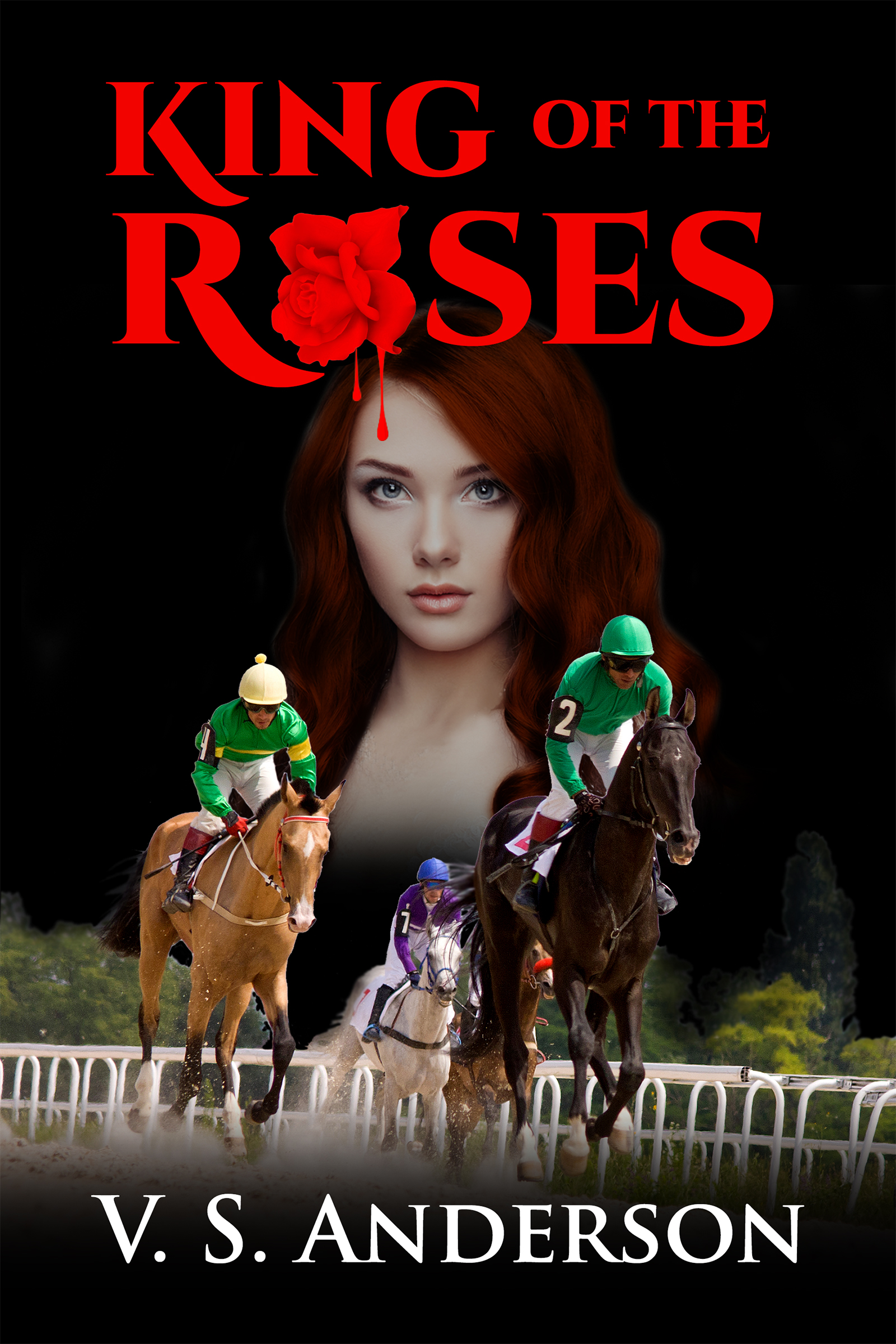
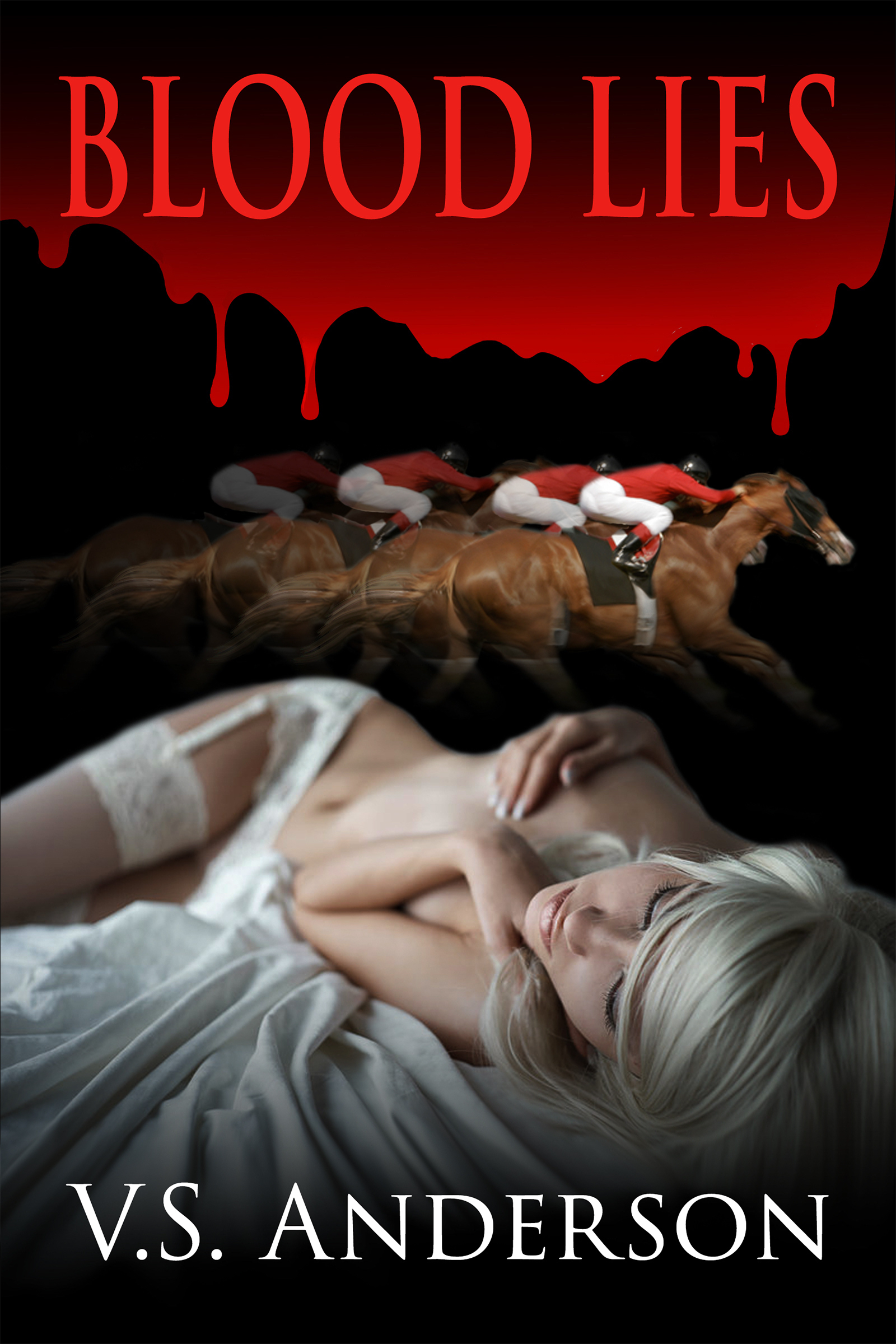

Paddy and his mom!


