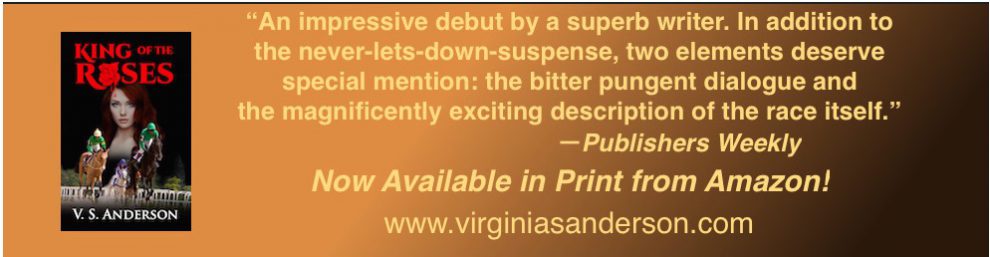
Do you write women’s fiction? Check out this contest!
Reblogged on WordPress.com
Source: ‘Dear Lucky Agent’ Contest
Do you write women’s fiction? Check out this contest!
Reblogged on WordPress.com
Source: ‘Dear Lucky Agent’ Contest
A great reminder post1 So important to double-check these words to make sure they actually do work in our sentences before letting them stand. I echo Orwell’s advice, though, especially about the various forms of the verb “to be” (was, is, am, are, etc.). I always ask myself whether I can find a strong action verb rather than a being verb when I’m tempted to fall back on one. Yet I’ve also seen sentences where writers twisted themselves into knots trying to avoid “to be.” Once in a while, the shortest distance between two points is a nice little linking verb!
I’m researching the POD process right now, so this first-hand advice is incredibly helpful. Quite simply, it had never occurred to me to publish with both! This helps me decide to go first with Ingram. No point in hanging back now! Thanks, Jean!
Maybe. That’s the short answer.
Me? I think printing with both distributors is the way to go.
But please for the love of God, I hope you can avoid some of my mistakes. Although, I didn’t crash and burn, I did bang up my poor little book a bit along the road to self-publishing. This was not a happy trip.
 Sheesh, I’m a slow learner sometimes. Hopefully, you will benefit from my mistakes.
CreateSpace provides an easy to use MS Word template for you to set up your book.

CreateSpace provides a free ISBN number for both your print…
View original post 529 more words
Filed under writing novels
This meme sent me to rereading my uploaded books. So far I did one typo, but not the kind Amazon will tackle, based on Kawanee’s points here. I wonder whether having previously undergone Smashwords’ “auto-vetter” process makes a difference? It is designed to catch formatting mistakes, I think; not sure how it handles typos. I do know that when I posted my auto-vetted texts to Amazon, they were accepted without question. Does anybody know whether going through auto-vetter first will make a difference?

There’s a change coming at Amazon. You know what that means.
Panic! Share the first poorly-researched blog post you can find! Scream! Rage at Amazon’s cruelty until your fury is spent and you’re left crying into your ice-cold coffee.
And now that we’ve gotten that out of our systems, let’s breathe calmly into our paper bags while we examine the facts.
This week, the Good E-Reader blog announced that “Kindle e-Books will have a warning message if they have spelling mistakes.”
Some authors have taken that headline at face value and assumed the worst: that Amazon will brand any books deemed to have typographic errors — no matter how minor — with a sinister warning label.
The reality is far less dramatic.
View original post 447 more words
Filed under writing novels
 Wow, I’ve been doing this all along, not realizing I was officially creating pingbacks. Such simple, useful information. And now I’ll create a correctly administered pingback to Chris the Story Reading Ape, from whom I get so much good stuff!
Reblogged on WordPress.com
Source: How To Become A Successful Blogger: Part 2 – How To Create A Pingback
Filed under blogging, business of writing, Writing

Wizards of the HTML universe will snicker when they read this, but this experience was an accomplishment for me! So there.
I’d really shied away from messing with the HTML behind a WordPress page. Glances at my customizable sites left me remembering a student who’d once said that the very sight of Dreamweaver made him “want to vomit.” Okay, so my reaction wasn’t quite that extreme. Still. . . .
But then I wanted to set up my new “Book Reviews for Horse Lovers” page in such a way that readers could click on a title and jump straight to the individual review.

I was pretty sure that bloggers who were self-hosting could manage such edits. But when I called up a chat session, it took me quite a while just to clarify to the “Happiness Engineer” what I was talking about.
As I’ve commented on other blogs, I’ve generally been pleased with the support in WordPress—notwithstanding the recent flap over the new, unnecessarily unhelpful edit screen. And I’m pretty good at figuring out how to do what I want to do, within the limits of my general technological skills, which are just below adequate. But I was surprised when the Engineer had to go off and research how to do what I wanted. She came back with a URL about “links and anchors.”
Cue “duh.” I once knew how to do that on a web page. So what could be hard about doing it on my new WordPress page?
Well, for one thing, the support document she provided left out what I most needed: a complete visual example to help with placement of the necessary HTML elements. Where did I put the anchors and then the links? (I’ve linked to it in case you find it clearer than my instructions—you never know.)

Out came my old HTML primer. Voila. I report, with glee, that it’s done.
Just in case there are some just-below-adequate users out there who don’t automatically know how to set anchors for links, I’m going to point you in the basic direction. Like all efforts at instruction, this post will probably skip steps you need. If so, comment and I’ll revise. Maybe you even know an easier way to explain.
Note that I’m working on a “page” that is NOT my “Posts” page. You can set up as many pages as you like and then designate which page will display posts. I see no point in working with anchors on the posts page, since there are widgets to help readers navigate among posts.
You do need very basic HTML concepts. You need to know how to open a tag and close it. My guess is that most people likely to read this do know that. The other concept you need is to understand the principle of nesting tags: the first tag you open is the last one you close, the second is the second-to-last you close, etc. If by any chance you’re not familiar with this principle, the screen shots below should clarify it.
Finally, of course, you realize that any tiny slip will screw the whole thing up. If it doesn’t work, it’s because you’ve forgotten something or put something in the wrong place. Catching such slips can take patient proofing skills.
To get to the place to enter the code I’m going to show you, click on “HTML” at the top of your edit screen (which by default seems to be set to “Visual”).
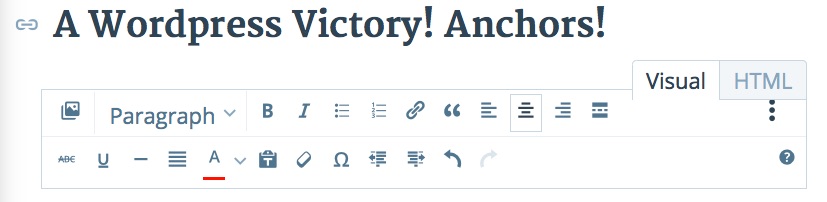
Here’s what my anchor HTML looks like.

For the two of you out there for whom this looks scary (and it did to me until I examined it), I’ll walk you through it. The first tag opens the header (h3) tag, which I had chosen rather than the standard “paragraph” style. Note that this is also the last tag to close. Then comes the tag for the font color; this is here because in the Pilcrow theme, for some reason, the default header color is light gray, and I had modified it to “black,” which is designated by the numbers “#000000.” Note that the span style closes inside (before) the header closing tag (it’s nested inside it).
Next, TA-DA, comes the anchor-name code, opening and closing with the “a” tag. An important element, one I actually missed on first try, was the little > before the closing tag.
The name can be anything you decide, ideally something that’s easy to remember. After opening and closing the tag, this “name” is the vital part of this code.
Then comes the actual text of my heading, with the “em” tags indicating that I italicized the book title.
I discovered that you can place the anchor name pretty much where you want inside your anchor text as long as you close it before moving to the next element. In other cases, I placed it inside the “em” tags.
Once this anchor is “set” inside this header, which is where you want your reader to be able to jump to, you go back to the top and set the link. Here what that looks like:

Again, there’s a header tag and a color tag for black font. This time, I placed the code related to the link/anchor process inside the “em” tags. Seems to work fine. The “a href” tag is the standard tag any time you insert a hyperlink in an HTML document; nothing new there. However, the quotes and hashtag identify the “anchor” you created below. This has to match exactly, as I learned. If your link doesn’t work when you view the post, check this component.
This time, as well, you must include the little > and a portion of the text from the header you want to jump to before closing the “a” code.
The “Back to top” links just reverse this process. The anchor is created with the “a name=” code at the top and the links are placed wherever you want readers to see “Back to top.”
An important lesson for me from this project has been the realization that WordPress pages are just regular HTML pages. True, their overall appearance is controlled by the “style sheets” created by the theme designer, and I haven’t progressed to tinkering with those styles (though I was told you can always revert to the defaults should you miserably screw things up). But within the text of your page, you can turn to basic HTML to manipulate various features. Nice!

Filed under blogging
Found this on Chris the Story Reading Ape and commented,
Pressed this to Just Can’t Help Writing. I read a post where an expert on indie publishing told readers it would cost more than $300 to get an ISBN. Having gotten mine from Smashwords, I couldn’t help wondering what he was talking about. This article helps clear that up. Thanks for sharing it!
To read this article, click on the link or photo of Author Laurie Boris below: almost-everything-you-need-to-know-about-isbns/
Check out these reviews. I’ve found some gems!
I plan to keep adding to the list as I continue reading others’ stories of the world of horses.

Paddy has opinions, too.
Found on Chris The Story Reading Ape this morning: What do you think? Are these YOUR fatal flaws? Which ones have you recently forgiven, and which ones have caused you to stop reading?
Reblogged on WordPress.com
Source: 6 qualities of Bad Writing via Marcy Kennedy

This is one of the best compendia of guidelines for troubleshooting a novel-in-progress that I’ve recently come across. My own constant struggle is the interior monologue, wherein my character thinks through her motives. Some of this is necessary, but in my current very rough draft I’m noting again and again, “Too long! Cut!” Fortunately, I have an excellent writing group that will call me out on this sin.
I’m working on a post about what has stopped me from finishing some of the books I’ve been reading in my quest to understand the indie landscape. Hamilton’s list captures many of the problems that I’ve encountered (and fight like crazy not to commit): 1) Lack of a story arc–in a couple of cases, everything seemed to be resolved mid-novel; why keep reading? 2) Detail-heavy, clunky prose I had to wade through. 3) Pages and pages of setting and character-building before anything happens. I love the comment that we all should wish to see ourselves as others see us! Hooray for honest readers. May they long thrive!

Beginning novelists are like Tolstoy’s happy families. They tend to be remarkably alike. Certain mistakes are common to almost all beginners. These things aren’t necessarily wrong, but they are difficult to do well—and get in the way of smooth storytelling
They also make it easy for professionals—and a lot of readers—to spot the unseasoned newbie.
When I worked as an editor, I ran into the same problems in nearly every new novelist’s work—the very things I did when I was starting out.
I think some of the patterns come from imitating the classics. In the days of Dickens and Tolstoy, novels were written to be savored on long winter nights or languid summer days when there was a lot of time to be filled. Detailed descriptions took readers out of their mundane lives…
View original post 2,153 more words

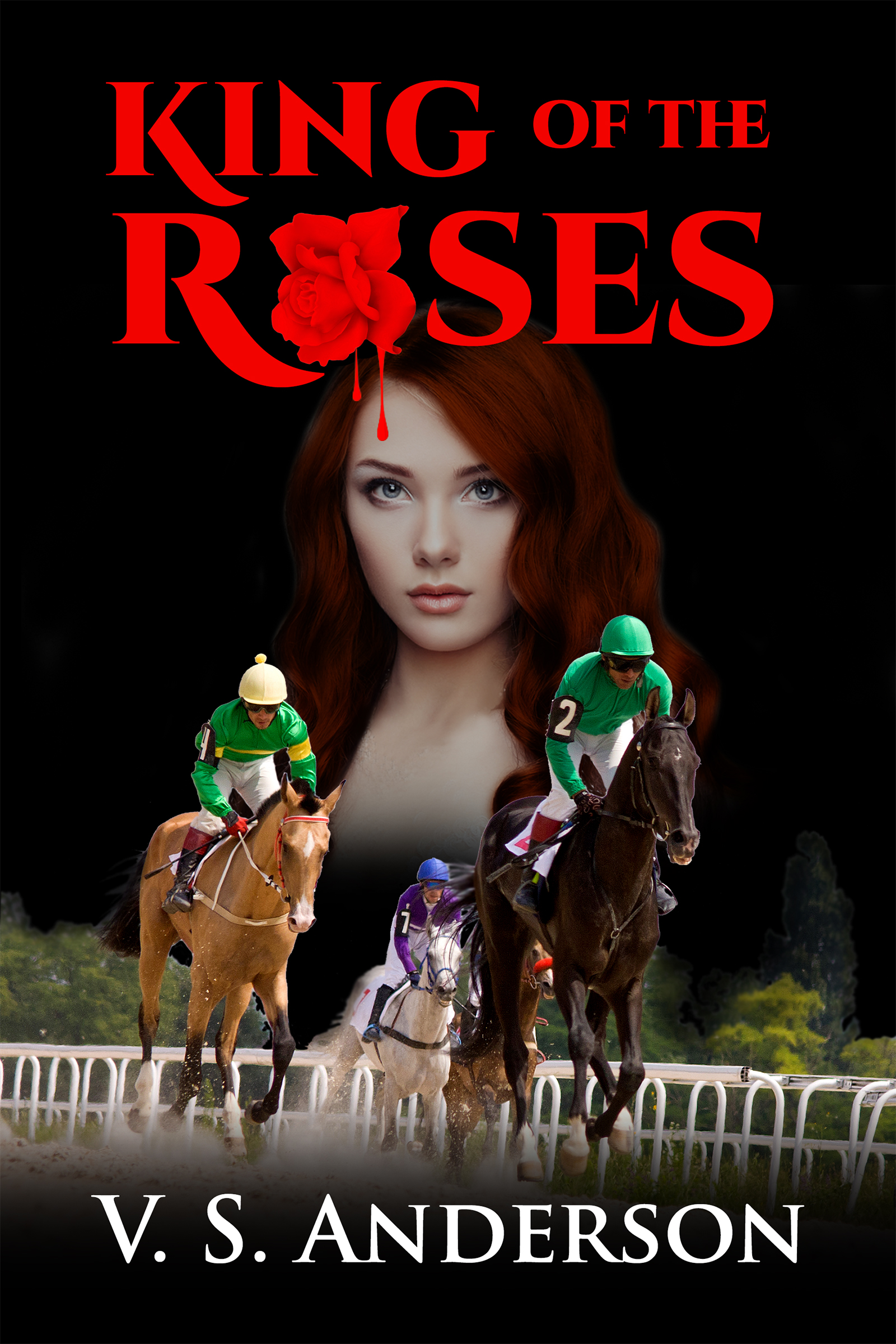
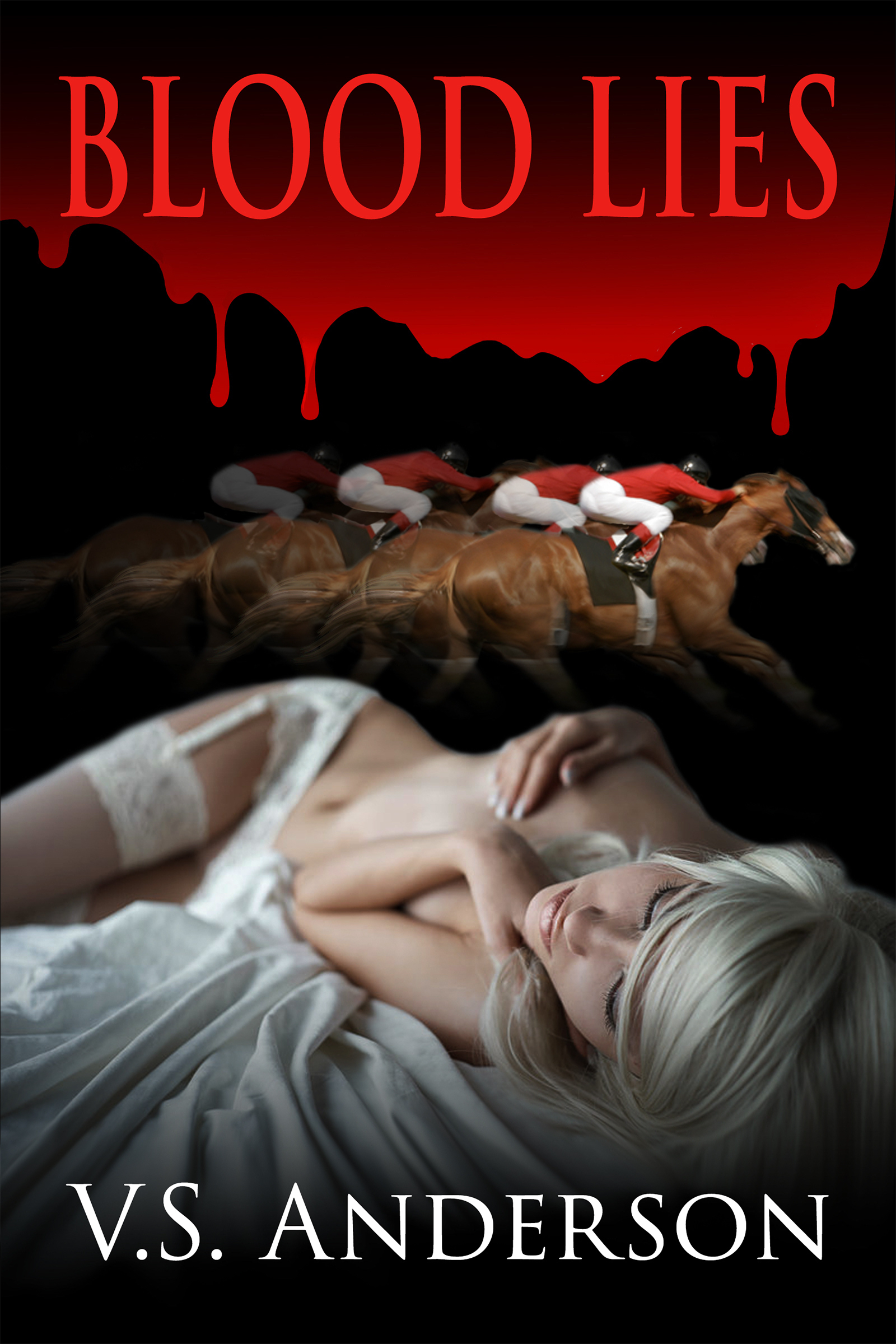

Paddy and his mom!


 Just Can't Help Writing