Tag Archives: creative writng

A WordPress Victory! Anchors!

Man with computer

Wizards of the HTML universe will snicker when they read this, but this experience was an accomplishment for me! So there.

I’d really shied away from messing with the HTML behind a WordPress page. Glances at my customizable sites left me remembering a student who’d once said that the very sight of Dreamweaver made him “want to vomit.” Okay, so my reaction wasn’t quite that extreme. Still. . . .

But then I wanted to set up my new “Book Reviews for Horse Lovers” page in such a way that readers could click on a title and jump straight to the individual review.

bay arabian horse runs gallop

I was pretty sure that bloggers who were self-hosting could manage such edits. But when I called up a chat session, it took me quite a while just to clarify to the “Happiness Engineer” what I was talking about.

As I’ve commented on other blogs, I’ve generally been pleased with the support in WordPress—notwithstanding the recent flap over the new, unnecessarily unhelpful edit screen. And I’m pretty good at figuring out how to do what I want to do, within the limits of my general technological skills, which are just below adequate. But I was surprised when the Engineer had to go off and research how to do what I wanted. She came back with a URL about “links and anchors.”

Cue “duh.” I once knew how to do that on a web page. So what could be hard about doing it on my new WordPress page?

Well, for one thing, the support document she provided left out what I most needed: a complete visual example to help with placement of the necessary HTML elements. Where did I put the anchors and then the links? (I’ve linked to it in case you find it clearer than my instructions—you never know.)

Blue computer

Out came my old HTML primer. Voila. I report, with glee, that it’s done.

Just in case there are some just-below-adequate users out there who don’t automatically know how to set anchors for links, I’m going to point you in the basic direction. Like all efforts at instruction, this post will probably skip steps you need. If so, comment and I’ll revise. Maybe you even know an easier way to explain.

Note that I’m working on a “page” that is NOT my “Posts” page. You can set up as many pages as you like and then designate which page will display posts. I see no point in working with anchors on the posts page, since there are widgets to help readers navigate among posts.

You do need very basic HTML concepts. You need to know how to open a tag and close it. My guess is that most people likely to read this do know that. The other concept you need is to understand the principle of nesting tags: the first tag you open is the last one you close, the second is the second-to-last you close, etc. If by any chance you’re not familiar with this principle, the screen shots below should clarify it.

Finally, of course, you realize that any tiny slip will screw the whole thing up. If it doesn’t work, it’s because you’ve forgotten something or put something in the wrong place. Catching such slips can take patient proofing skills.

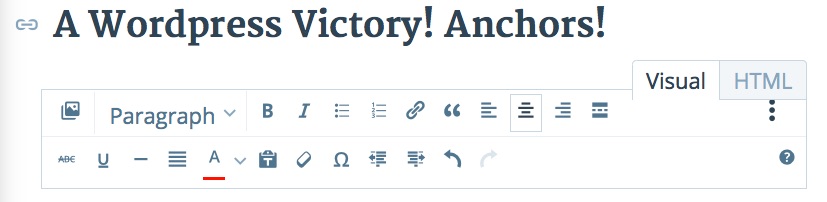
To get to the place to enter the code I’m going to show you, click on “HTML” at the top of your edit screen (which by default seems to be set to “Visual”).
anchor text html tab

Here’s what my anchor HTML looks like.

Anchor shot 2

For the two of you out there for whom this looks scary (and it did to me until I examined it), I’ll walk you through it. The first tag opens the header (h3) tag, which I had chosen rather than the standard “paragraph” style. Note that this is also the last tag to close. Then comes the tag for the font color; this is here because in the Pilcrow theme, for some reason, the default header color is light gray, and I had modified it to “black,” which is designated by the numbers “#000000.” Note that the span style closes inside (before) the header closing tag (it’s nested inside it).

Next, TA-DA, comes the anchor-name code, opening and closing with the “a” tag. An important element, one I actually missed on first try, was the little > before the closing tag.

The name can be anything you decide, ideally something that’s easy to remember. After opening and closing the tag, this “name” is the vital part of this code.

Then comes the actual text of my heading, with the “em” tags indicating that I italicized the book title.

I discovered that you can place the anchor name pretty much where you want inside your anchor text as long as you close it before moving to the next element. In other cases, I placed it inside the “em” tags.

Once this anchor is “set” inside this header, which is where you want your reader to be able to jump to, you go back to the top and set the link. Here what that looks like:

Anchor shot 1


Again, there’s a header tag and a color tag for black font. This time, I placed the code related to the link/anchor process inside the “em” tags. Seems to work fine. The “a href” tag is the standard tag any time you insert a hyperlink in an HTML document; nothing new there. However, the quotes and hashtag identify the “anchor” you created below. This has to match exactly, as I learned. If your link doesn’t work when you view the post, check this component.

This time, as well, you must include the little > and a portion of the text from the header you want to jump to before closing the “a” code.

The “Back to top” links just reverse this process. The anchor is created with the “a name=” code at the top and the links are placed wherever you want readers to see “Back to top.”

An important lesson for me from this project has been the realization that WordPress pages are just regular HTML pages. True, their overall appearance is controlled by the “style sheets” created by the theme designer, and I haven’t progressed to tinkering with those styles (though I was told you can always revert to the defaults should you miserably screw things up). But within the text of your page, you can turn to basic HTML to manipulate various features. Nice!

Let me know if you have additions or clarifications to add!

Success

Leave a comment

Filed under blogging

Almost Everything You Need to Know about ISBNs

Found this on Chris the Story Reading Ape and commented,

Pressed this to Just Can’t Help Writing. I read a post where an expert on indie publishing told readers it would cost more than $300 to get an ISBN. Having gotten mine from Smashwords, I couldn’t help wondering what he was talking about. This article helps clear that up. Thanks for sharing it!

Become-a-writer

To read this article, click on the link or photo of Author Laurie Boris below: almost-everything-you-need-to-know-about-isbns/

Source: Almost Everything You Need to Know about ISBNs

Leave a comment

Filed under Amazon Kindle Direct Publishing, business of writing, ebooks publishing and selling, indie publishing, Money issues for writers, Myths and Truths for writers, Publishing, Self-publishing, Smashwords, Writing, writing novels

New! “Book Reviews for Horse Lovers” Page!

Check out these reviews. I’ve found some gems!

I plan to keep adding to the list as I continue reading others’ stories of the world of horses.

Paddy, my horse.

Paddy has opinions, too.

Leave a comment

Filed under ebooks publishing and selling, Goodreads, indie publishing, Reviews, Writing, writing novels

6 qualities of Bad Writing via Marcy Kennedy

Found on Chris The Story Reading Ape this morning: What do you think? Are these YOUR fatal flaws? Which ones have you recently forgiven, and which ones have caused you to stop reading?

Reblogged on WordPress.com

Source: 6 qualities of Bad Writing via Marcy Kennedy

Typewriter with questions marks

1 Comment

Filed under Editing your novel, Learning to write, self editing for fiction writers, Self-publishing, style for writers, Writing, writing novels

10 things that red-flag a newbie novelist.

This is one of the best compendia of guidelines for troubleshooting a novel-in-progress that I’ve recently come across. My own constant struggle is the interior monologue, wherein my character thinks through her motives. Some of this is necessary, but in my current very rough draft I’m noting again and again, “Too long! Cut!” Fortunately, I have an excellent writing group that will call me out on this sin.
I’m working on a post about what has stopped me from finishing some of the books I’ve been reading in my quest to understand the indie landscape. Hamilton’s list captures many of the problems that I’ve encountered (and fight like crazy not to commit): 1) Lack of a story arc–in a couple of cases, everything seemed to be resolved mid-novel; why keep reading? 2) Detail-heavy, clunky prose I had to wade through. 3) Pages and pages of setting and character-building before anything happens. I love the comment that we all should wish to see ourselves as others see us! Hooray for honest readers. May they long thrive!

Kawanee Hamilton's avatar

THE PUBLISHING BUSINESS, WRITING CRAFT

10 THINGS THAT RED-FLAG A NEWBIE NOVELIST

Red_flag_waving.svg

by Anne R. Allen

Beginning novelists are like Tolstoy’s happy families. They tend to be remarkably alike. Certain mistakes are common to almost all beginners. These things aren’t necessarily wrong, but they are difficult to do well—and get in the way of smooth storytelling

They also make it easy for professionals—and a lot of readers—to spot the unseasoned newbie.

When I worked as an editor, I ran into the same problems in nearly every new novelist’s work—the very things I did when I was starting out.

I think some of the patterns come from imitating the classics. In the days of Dickens and Tolstoy, novels were written to be savored on long winter nights or languid summer days when there was a lot of time to be filled. Detailed descriptions took readers out of their mundane lives…

View original post 2,153 more words

Leave a comment

Filed under ebooks publishing and selling, Editing your novel, indie publishing, Learning to write, Myths and Truths for writers, Publishing, self editing for fiction writers, Self-publishing, style for writers, What Not To Do in Writing Novels, Writers' groups, Writing, writing novels

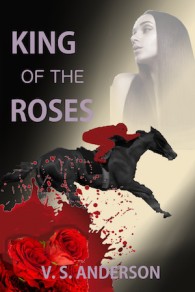
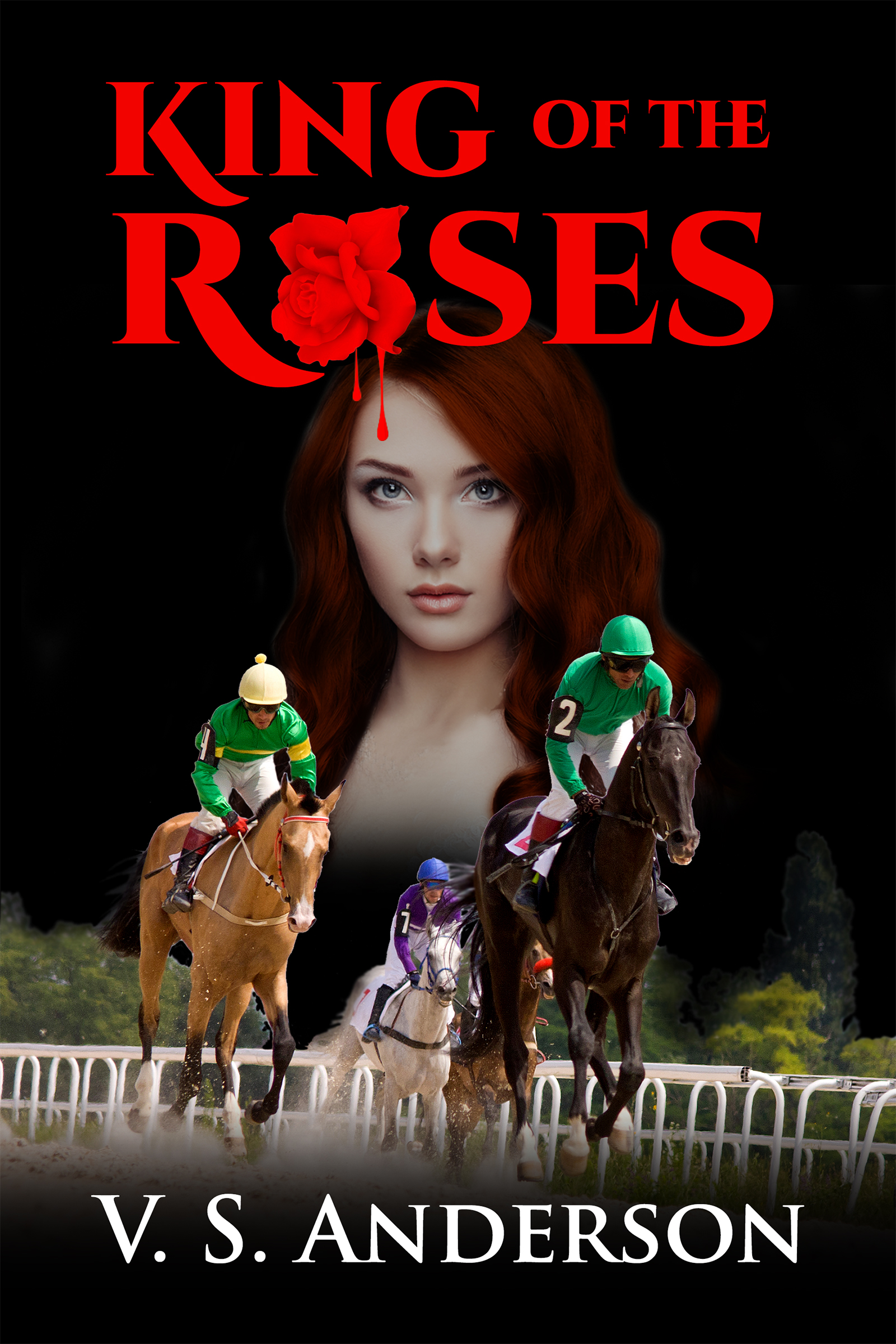
Draft of New Cover for King of the Roses

I’m looking for a cover that will look better in thumbnail. Here’s an effort. All feedback welcomed! kotrnew4300

2 Comments

Filed under King of the Roses, V. S. Anderson

For Authors: E-mail Marketing Companies Compared

Thanks to Brittney Sahin for a look at some of the promotion options available! I haven’t tried this yet, but this post encourages me to consider it!

brittneysahin's avatarbrittneysahin

facebook bnnr

During the holiday season I decided to try out 3 different e-mail marketing companies for my first novel, Silenced Memories. I will discuss the results of each below. I did attempt to submit my book to 3 other websites as well, but they were booked (because many other authors were probably thinking the same thing-holiday promotion!)

  1. December 5th- ENT- E-Reader News Today

Sale price Dec. 5th-Dec. 6th

Price for ‘romance suspense’ – $45 (price varies depending on genre)

E-book discounted from $2.99 to $.99

Books sold on day 1: 208 Amazon; less than 10 between ibooks & nook

Books sold on day 2 (no promo running): 46 Amazon; less than 5 (ibooks/nook)

Overall results: I think this campaign was very successful. Gaining that many new readers was great. I also reached #69 on romance suspense on Amazon (for a few hours!) & #49 on romance military. I made my money back…

View original post 532 more words

Leave a comment

Filed under Amazon Kindle Direct Publishing, business of writing, ebooks publishing and selling, indie publishing, Money issues for writers, Self-publishing, Writing, writing novels

Victoria Strauss’s Year-End Post List

Hand in books

Something here for every aspiring writer! Strauss is one of the best resources around! Info on contracts, social media, marketing, promotion—check it out!

1 Comment

Filed under blogging, business of writing, ebooks publishing and selling, Finding literary agents for writers, indie publishing, Learning to write, looking for literary editors and publishers, Money issues for writers, Myths and Truths for writers, Publishing, publishing contracts, reversion of rights clauses, Self-publishing, Writing, writing novels

Important advice on publishing contracts!

Writer with questionsFound this at Writers in the Storm today. Here’s what I wrote as a comment:

I had old contracts that required me to give notice and then wait 90 days for the publisher to decide whether or not to re-activate the titles. While I was pretty sure the rights to at least one of the books had already been passed on and then returned to me by another publisher, I went through the steps as laid out in the contracts. The hard part was finding the right place to send my notice. The web site (of a major publisher) was no help. I found a “permissions” link and wrote asking that my request be forwarded to the right person. That eventually happened. and I eventually received written confirmation of the reversion.
The clauses you provide would have saved me a lot of trouble. I’m not sure they were standard when my books were originally published, but for future publications, I’ll be on the lookout! Thanks for some solid advice!

Leave a comment

Filed under business of writing, ebooks publishing and selling, indie publishing, Money issues for writers, Myths and Truths for writers, Publishing, publishing contracts, reversion of rights clauses, Self-publishing, Writing, writing novels

January/February 2016 Writing Contests

Wish there were more contests for novels or parts of novels! If you have lists of these, please share!

Leave a comment

Filed under poetry, Writing, writing contests, writing novels