Follow up to post on headers and page numbers

Typewriter with questions marksI’m following up here on Connie J. Jasperson’s post from Life in the Realm of Fantasy (previous post) with some strategies that have worked for me. (As is so often the case, I found my way to this post via Chris the Story Reading Ape!)

Jasperson’s post confirms for me that some of these procedures aren’t common knowledge, so they’re worth posting about. If they are common knowledge for you, and you have other pointers to include, please share!

a) If you need to remove tab marks or spaces, as Jasperson rightly directs, you can do so via search-and-replace. I am a Mac person, but as Jasperson says, the general idea is usually the same across versions and major platforms, so you may just have to find where a particular button lives.

  • In your manuscript, Select All by using CTRL (Command on a Mac) + A. (I sometimes do all this in smaller chunks, like chapters, because I also have to deal with centered chapter numbers—see below.)
  • CTRL (or Command on a Mac) + F will take you to the Search (Find) dialogue box. On my Mac, Shift+Command+H opens the “Replace” option as well, but I can also open this from a tab in the Find box.
  • At the bottom of the Find box is a tiny downward-pointing arrow. Clicking on this will open a set of options. Clicking on “Special” will allow you to select the tab character for the “Find” line in the Find box. Or, if you like true simplicity, you can type in ^t. This is the tab symbol. Make sure letters you use with the caret (^) are lower case.
  • Leave the “Replace” line blank.
  • Click “Replace all.” The computer will sweetly get rid of all the tabs.

You can use this same method to eliminate spaces you’ve used for indents as well. Simply type however many spaces you used into the “Find” line and leave the “Replace” line blank. Want to make sure you didn’t miss any spaces at the beginning of paragraphs? Type in ^p for “hard return” (paragraph return) and a space. Then use “Find Next” a couple of times to make sure you’re catching the right things. Then type ^p in the “Replace” line (IMPORTANT!), and click “Replace All”  This will preserve your paragraph returns but eliminate the space.

Similarly, you can use this to get rid of those extra spaces that sometimes get typed by fast-moving fingers, or you can correct consistent misspellings.

b) You can use Jasperson’s method to center chapter numbers or titles. Just select the number or title, then use the paragraph format box to center it. In a later post, I will discuss using Word’s “Styles” to accomplish some of these same effects.

c) My version of Word allows me not just to choose “different first page” but also to “format page numbers.” I can set the document to begin paginating at zero. This means that the title page has no number; the manuscript text itself begins at one. If you’re an editor who would prefer that the title page start with number one, so that the ms. begins on 2, please let us know!

And again, if you have quick tips to build on these, please share!

Typewriter publish


3 Comments

Filed under writing novels

#amwriting: headers and page numbers

Thanks for some important information. Like you, I’ve found in my writing group that some fairly basic formatting moves aren’t common knowledge.
When I reblog, I’ll follow up with a couple of additional things that work for me!

conniejjasperson's avatarLife in the Realm of Fantasy

Book- onstruction-sign copyI’ve blogged before on this subject, but it is time to talk about it again: making your manuscript ready for submission to an editor, agent, or a publisher. All agents, editors and publishing companies have specific, standardized formatting they want you to use, and these guidelines are posted on their websites.

The submissions page for TOR Forge, one of the Big Boys in the publishing world, clearly says: “Standard manuscript format means margins of at least 1 inch all the way around; indented paragraphs; double-spaced text; and Times New Roman in 12 pitch. Please use one side of the page only. Do not justify the text. Do not bind the manuscript in any way. Make sure the header of the ms. includes your name and/or the title of the book as well as the page number (on every page).”

For the most part this formatting is basically the same from company to…

View original post 702 more words

Leave a comment

Filed under writing novels

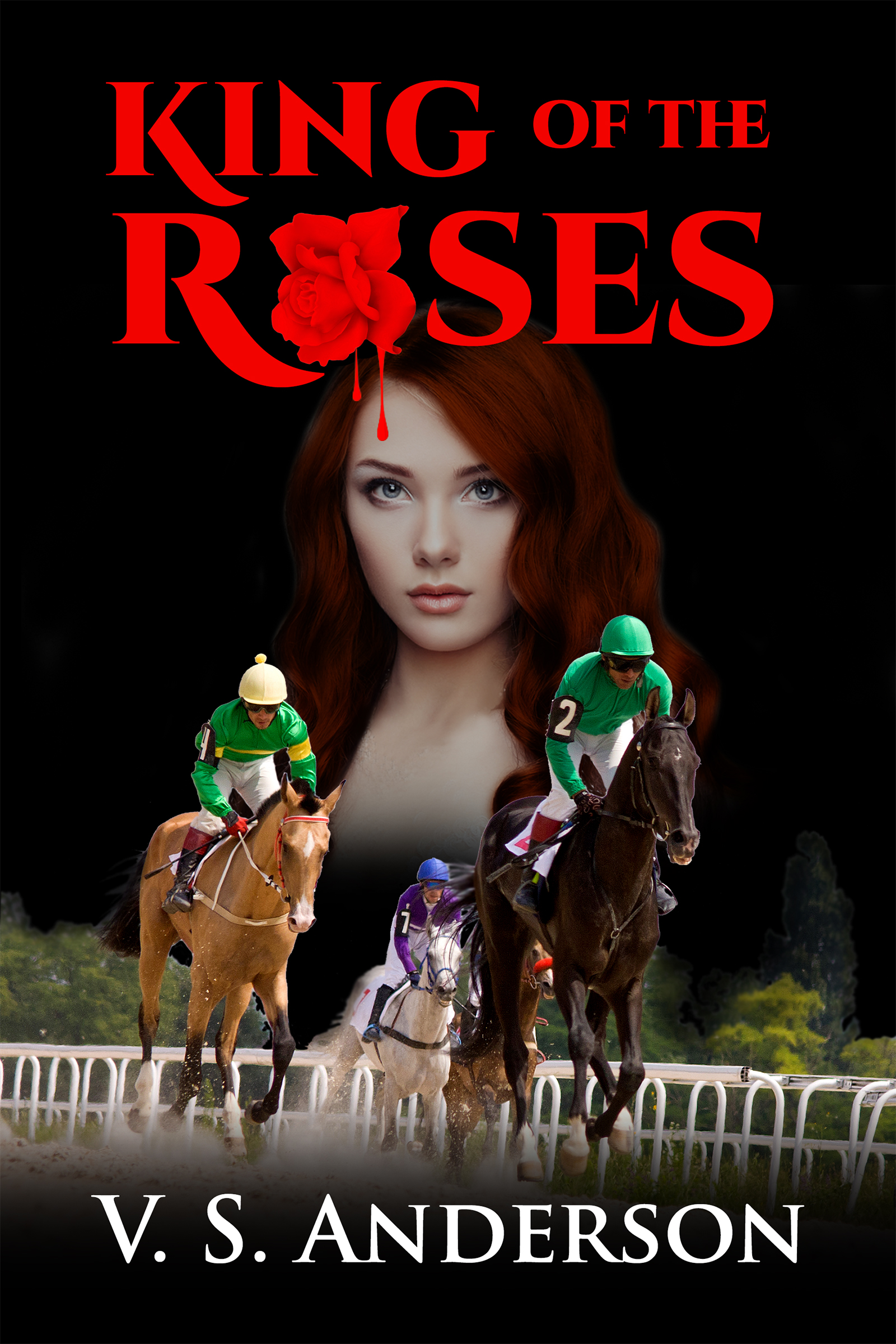
Draft of New Cover for King of the Roses

I’m looking for a cover that will look better in thumbnail. Here’s an effort. All feedback welcomed! kotrnew4300

2 Comments

Filed under King of the Roses, V. S. Anderson

For Authors: E-mail Marketing Companies Compared

Thanks to Brittney Sahin for a look at some of the promotion options available! I haven’t tried this yet, but this post encourages me to consider it!

brittneysahin's avatarbrittneysahin

facebook bnnr

During the holiday season I decided to try out 3 different e-mail marketing companies for my first novel, Silenced Memories. I will discuss the results of each below. I did attempt to submit my book to 3 other websites as well, but they were booked (because many other authors were probably thinking the same thing-holiday promotion!)

  1. December 5th- ENT- E-Reader News Today

Sale price Dec. 5th-Dec. 6th

Price for ‘romance suspense’ – $45 (price varies depending on genre)

E-book discounted from $2.99 to $.99

Books sold on day 1: 208 Amazon; less than 10 between ibooks & nook

Books sold on day 2 (no promo running): 46 Amazon; less than 5 (ibooks/nook)

Overall results: I think this campaign was very successful. Gaining that many new readers was great. I also reached #69 on romance suspense on Amazon (for a few hours!) & #49 on romance military. I made my money back…

View original post 532 more words

Leave a comment

Filed under Amazon Kindle Direct Publishing, business of writing, ebooks publishing and selling, indie publishing, Money issues for writers, Self-publishing, Writing, writing novels

Victoria Strauss’s Year-End Post List

Hand in books

Something here for every aspiring writer! Strauss is one of the best resources around! Info on contracts, social media, marketing, promotion—check it out!

1 Comment

Filed under blogging, business of writing, ebooks publishing and selling, Finding literary agents for writers, indie publishing, Learning to write, looking for literary editors and publishers, Money issues for writers, Myths and Truths for writers, Publishing, publishing contracts, reversion of rights clauses, Self-publishing, Writing, writing novels

Important advice on publishing contracts!

Writer with questionsFound this at Writers in the Storm today. Here’s what I wrote as a comment:

I had old contracts that required me to give notice and then wait 90 days for the publisher to decide whether or not to re-activate the titles. While I was pretty sure the rights to at least one of the books had already been passed on and then returned to me by another publisher, I went through the steps as laid out in the contracts. The hard part was finding the right place to send my notice. The web site (of a major publisher) was no help. I found a “permissions” link and wrote asking that my request be forwarded to the right person. That eventually happened. and I eventually received written confirmation of the reversion.
The clauses you provide would have saved me a lot of trouble. I’m not sure they were standard when my books were originally published, but for future publications, I’ll be on the lookout! Thanks for some solid advice!

Leave a comment

Filed under business of writing, ebooks publishing and selling, indie publishing, Money issues for writers, Myths and Truths for writers, Publishing, publishing contracts, reversion of rights clauses, Self-publishing, Writing, writing novels

January/February 2016 Writing Contests

Wish there were more contests for novels or parts of novels! If you have lists of these, please share!

Leave a comment

Filed under poetry, Writing, writing contests, writing novels

Show, Don’t Tell: Try the Screenplay Exercise

Typewriter and flowersWe fiction, memoir, and essay writers are all bombarded—understandably—with the need to SHOW, not tell. The temptation to tell rather than show—at its simplest level, to write “he felt sad” rather than letting his actions and dialogue reveal his reactions—haunts us all. It’s easier: We don’t have to hunt for ways to describe expressions and behaviors. And after all, “he felt sad” takes up a lot less space than “The room around him seemed to darken, the sounds of cheerful conversation to slow to dirge-like rhythms.” And hey, will readers interpret such descriptions the way you intended? Maybe the guy is just having a heart attack.


Hardest of all may be recognizing when we’ve slipped into telling. In my writing group, we all get called on it regularly.

One exercise I’ve found extremely useful in helping me recognize telling is the SCREENPLAY exercise: convert a troublesome scene to screenplay format.

Typewriter with questions marks

Why does this work? For me, it works because, unless you allow yourself the indulgence of a voice-over, filmgoers must rely on action and dialogue to interpret characters’ moods and thoughts and to understand what’s going on.

The rules are simple: at no point in the conversion of your scene can you indicate in your stage directions that “he thought” or “he worried” or “he felt—afraid, tired, hopeful, disappointed.” You may never enter your character’s mind. After all, your audience can’t. They can only see and hear what’s on the screen.

Too stifling? Surely in a mystery, for example, the character has to speculate internally about the meaning of clues. In a romance, the protagonist has to tell us of her ecstasy. Well, maybe. The screenplay exercise can clarify just how much telling we really have to include.

For a sense of what this exercise can contribute, here are a few lines from my novel King of the Roses and the corresponding lines structured as a screenplay. running horseNote that I converted the whole book, a choice that requires me to scrutinize every word because screenplays are radically length restricted (a 358-page book becomes a 100-page play). But casting individual scenes can provide some of the same benefits.

Set-up: A criminal who demands that Chris hold the Derby favorite finds Chris alone in a restaurant and escalates his threats. The criminal speaks the first line.

From the novel:

“I tried to get a hold of you last night. Why didn’t you answer the phone?”

“I was out.”

“No you weren’t. You just didn’t answer the phone. This isn’t a little romance we have here. This is business. What about it?”

Chris felt his spine crawl as if he were already dead, with demons dancing on his grave. The man stared at him steadily, tilting his head a little so that Chris could see his white, speckled scalp where his hair thinned on top.

“So when would I get paid?”

“You jocks is all the same. Money, money.”

“I haven’t seen any money.”

The man’s lower lip went on curling, but his eyes hardened. He stood up suddenly, clutching his overcoat to his paunch.

“I’ll tell you one thing I bet you have seen,” he said. “I bet you’ve seen what a jock looks like when he falls off in a race and gets his face stepped on. I bet you’ve seen that. Huh?”

From the screenplay:

BALDING MAN

I tried to get hold of you last night. Why didn’t you answer your phone?

CHRIS

I was out.

BALDING MAN

This isn’t a little romance we have here. This is business.

CHRIS

So when would I get paid?

BALDING MAN

You jocks is all the same. Money, money, money.

CHRIS

I haven’t seen any money.

The man stands, clutching his coat to his paunch.

BALDING MAN

I tell you one thing I bet you have seen. I bet you seen what a jock looks like when he falls off and gets his face stepped on. I bet you seen that, huh?

So what has this exercise done for me? Above all, it has forced me to look really hard at the inner reactions I’ve chosen to include in the prose-narrative format. Obviously they aren’t essential to meaning. I get to ask myself whether they add enough to justify the departure from action, from showing.

So the conversion allows me to see where my dialogue on its own takes readers. It also forces me to find the actions that express the characters’ reactions. I have to convert feelings into motion. Once discovered, these motions and actions can go back into my prose.

Again, you don’t have to go this spare. But you might make decisions about where to cut and where to add with more insight if you’ve tried the bare-bones telling that screenplays require.

You don’t need fancy software to do this. For the actual screenplay, I used Microsoft Word’s “styles” to create the various format patterns screenplays require. (The formatting didn’t translate directly into this blog post.) By the way, learning to use “styles” helps when you convert your Word document into the format for various e-publishing contexts. The important thing, however you structure your exercise, is to remember: no “feelings.” Just things viewers can see: action and dialogue.bloody rose finished

Do you have strategies for detecting “telling”? Share!

12 Comments

Filed under Editing your novel, indie publishing, King of the Roses, Learning to write, self editing for fiction writers, Self-publishing, Writers' groups, Writing, writing novels

This is how you get your book onto a bookstore shelf

Reblogged on WordPress.com

Source: This is how you get your book onto a bookstore shelf

Have  you  had success at getting your books into stores in the U.S.? My guess is that we can best count on independent booksellers–or is Barnes and Noble completely out of the question? In any case, I’m inspired to get going on POD versions of my books to find out. Let me hear about your experiences!Book with heart for writers

Leave a comment

Filed under business of writing, ebooks publishing and selling, indie publishing, Money issues for writers, Self-publishing, Writing, writing novels

Did you know? A beginners guide to reblogging on #WordPress

Thanks to Sue Vincent for this piece, which I found via Chris the Story Reading Ape, always a good source for news. The presence or absence of the reblog button has been an ongoing mystery to me. Sue’s tip about clicking on the title of the article to make the button appear is a godsend–it worked on this piece!
I generally agree that WordPress is fairly intuitive and has good support structures. I’ve had several productive chats when I encountered a problem or didn’t know how to do something (not so productive recently when my correspondent was trying to help me remember how to create anchors within a page–have to go to my stand-alone HTML book on that one, but most have provided what I needed to know). But Sue is right that it’s easy to miss features you haven’t needed or didn’t know about. So help like this is wonderful for me, and perhaps for those of you who also blog and who explore WordPress serendipitously, as I often do.

Sue Vincent's avatarSue Vincent's Daily Echo

i-blog-therefore-i-am

I’m no technical genius and when I first started blogging, I needed to learn my way around the WordPress system. It is pretty much common sense and easy enough to set up. If you get stuck, there are plenty of helpful articles and forums that show you how to do pretty much anything. Just type the question into your search engine.

The one thing they cannot do, though, is answer questions you didn’t know you should ask. Over the past few days I have become aware of how many of those little tweaks and tricks we learn about, then just take for granted. Reblogging was one area I found frustrating for a good while. It is a simple process, the press of a button, until the button is not there…

1. Can’t see the reblog button?
This took me ages to work out! Many blogs, including this one, have their…

View original post 606 more words

3 Comments

Filed under blogging, business of writing, Publishing, Writing